How This Started
After finishing my senior year of high school, I wanted to apply the Java skills I had just learned to something I might actually use in everyday life. Instead of building another typical school project, I decided to make a small tool for myself: a simple art application designed entirely around keyboard shortcuts.
I have always been fascinated by software that prioritizes efficiency over complex interfaces. Tools that rely heavily on keyboard input can often be much faster once you learn them. One of the most famous examples of this is Vim, a highly efficient text editor where nearly every action is controlled through keyboard commands rather than menus or buttons.
While Vim itself can be quite intimidating to learn, the idea of a shortcut-driven workflow inspired this project.
This an educational model and because of this I intentionally did no use any AI to help automate the coding process.
What it does
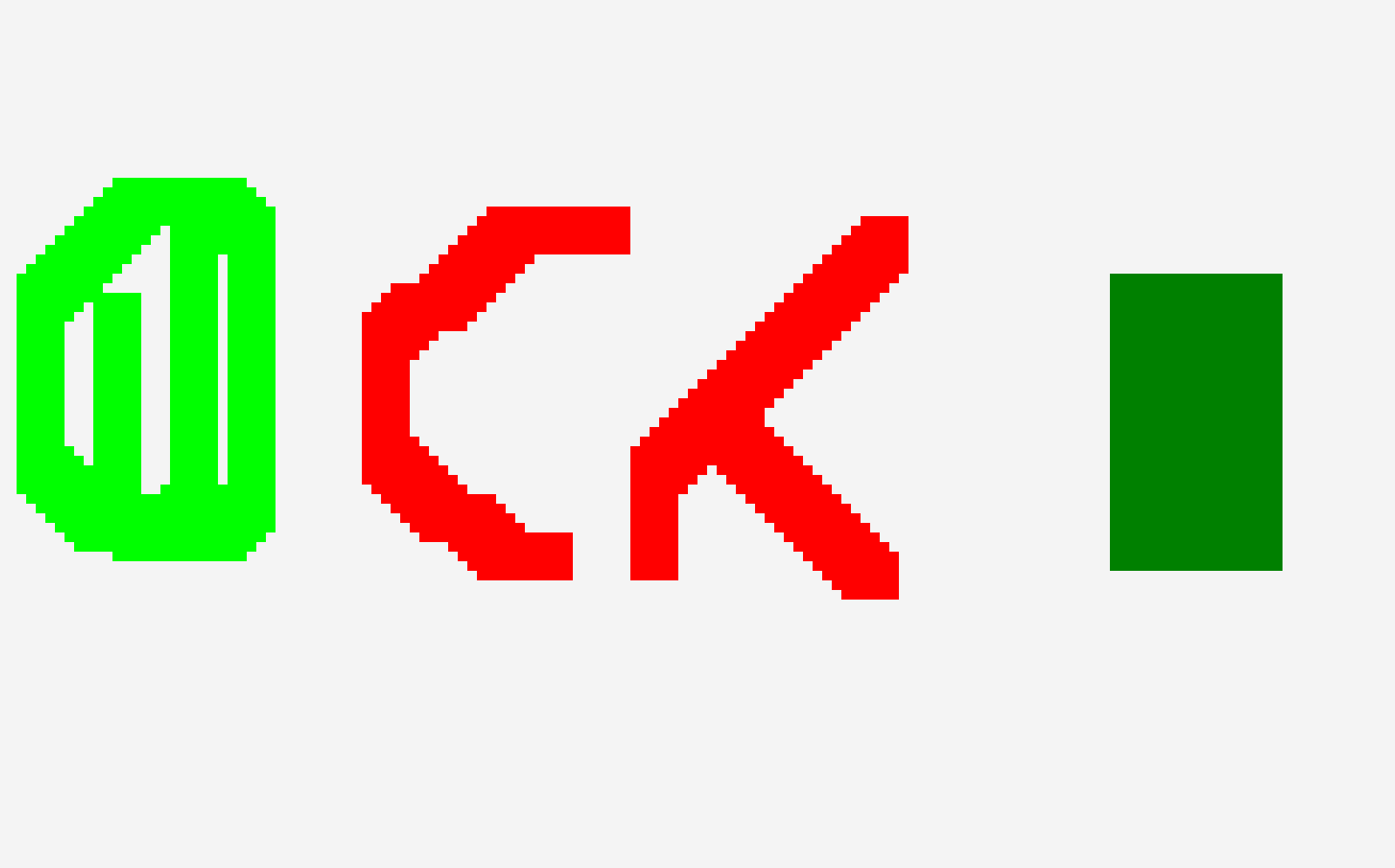
The result was a small drawing application built using Java and JavaFX in BlueJ. The program focuses on a minimal interface and relies almost entirely on keyboard input to control drawing actions.
Instead of navigating through menus or toolbars, the user interacts with the canvas using shortcut commands. This approach removes most of the traditional UI elements and keeps the focus on speed and simplicity.
The goal wasn’t to compete with full-featured art programs, but rather to create a lightweight tool that could be opened quickly to sketch a diagram, explain an idea, or show a quick concept to someone.
Keybinds Quick Reference
- W = up
- S = down
- A = left
- D = right
- I = up
- K = down
- J = left
- L = right
- R = red
- G = green
- B = blue
- Top-left color chooser = any other color
- + = increase size
- - = decrease size
- BACKSPACE = remove all
- Z = undo
- M = switch between normal and fast mode
- ENTER = export the drawing
Why I built it
I often find myself wanting to quickly sketch something when explaining an idea — whether it’s a design concept, a mechanical layout, or just a rough visualization. Many modern art applications are powerful but also heavy with menus, panels, and toolbars.
This project was an attempt to create the opposite: a small tool where I could understand exactly how everything worked internally and interact with it entirely from the keyboard.
Building the application also gave me a chance to explore Java GUI programming and experiment with how input systems and drawing tools work behind the scenes.
Looking Ahead
This project eventually led to a second version of the idea. Later in my freshman year of college, I began developing another version of the sketch app in C++, focusing on improving performance and expanding the capabilities of the tool.
That version became a separate project and represents a continuation of the original idea: Create Art V2 (C++).
Media & Documentation
App Demo
Visual Overview
1 / 2
Try the App
Use the runnable JAR below to try Create Art V1.
JARDownload CreateArtApp.jarRunnable app file>